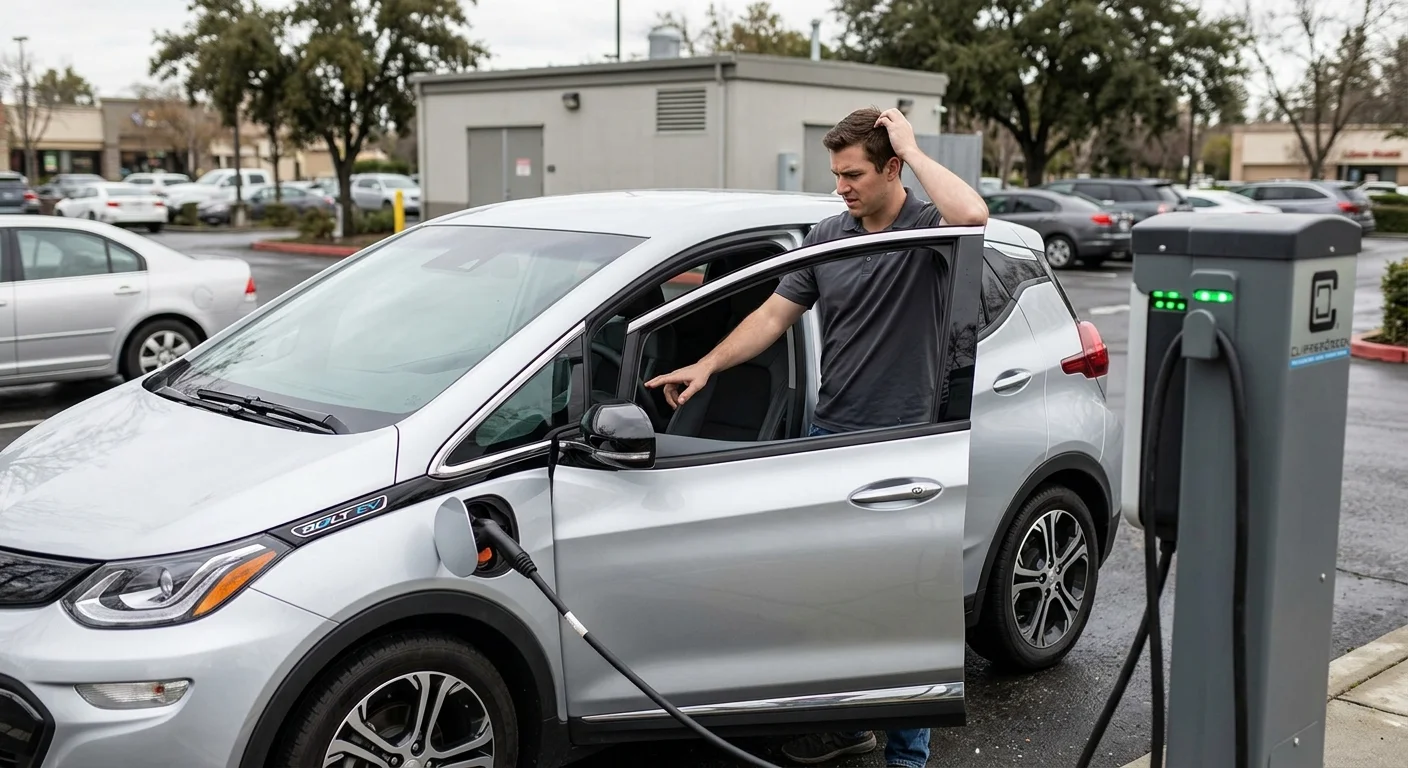
You’ve plugged in your Chevy Bolt, expecting it to hum along, steadily regaining its charge. But instead of that satisfying notification, you get silence, or worse, an error message like “Unable to Charge.” It’s a frustrating moment, especially when you’re trying to get around San Diego County. Before panic sets in, there are several troubleshooting steps you can take to diagnose the problem.

A frustrated driver looking at the non-responsive charging screen inside a Chevy Bolt EV at a public charging station.

This guide will walk you through common issues and solutions when your Chevy Bolt isn’t charging. We’ll help you figure out if the problem is with the charger itself, your car, or the power source. Knowing these steps can often resolve minor glitches or at least help you understand when it’s time to call in the professionals at Charge Pro SD.

Is it the charger, the car, or the power source?

When your Chevy Bolt refuses to charge, the first step is to pinpoint the origin of the problem. Charging involves a three-way interaction: the charging equipment (charger), your vehicle (the Bolt), and the electricity supply (power source). A fault in any one of these can interrupt the process.

Start by checking the most obvious components. If you’re using a public charging station, try a different charging port at the same station, or move to an entirely different station if possible. Public chargers can sometimes be faulty or temporarily offline. If you’re charging at home, ensure the charging cable is fully seated in both the wall outlet (for Level 1 or 2) and your Bolt’s charge port. Wiggle it gently to confirm a secure connection. Also, check your home’s circuit breaker panel. A tripped breaker is a surprisingly common reason for charging interruptions. Sometimes, a high-power appliance or an overloaded circuit can cause your EV charger’s circuit to trip. Resetting it might restore power.

If you have access to a different charging cable, try swapping it out. Sometimes, a damaged cable can be the culprit, even if the damage isn’t immediately visible. For DC fast charging, ensure the charger itself looks operational and doesn’t display any error codes on its screen. Different charging levels (Level 1, 2, or DC Fast Charge) use distinct protocols, so a failure on one type might not mean a failure on another. Systematically checking these basic connections and trying alternative equipment helps isolate whether the issue lies with the external charging infrastructure or your Bolt itself.

Common error codes: ‘Unable to Charge’ and what it means

The “Unable to Charge” message on your Chevy Bolt’s dashboard or infotainment screen is a general indicator that something is preventing a successful charging session. It doesn’t always specify the exact problem, but it certainly signals a communication breakdown or a safety protocol trigger. This message might be accompanied by specific diagnostic codes if you delve into the vehicle’s system menus, though often it’s a simple, overarching alert.

This generic error frequently points to a few core issues. One common cause is a communication error between the vehicle and the charging station. EVs and chargers constantly “talk” to each other, negotiating power levels and ensuring safety. If this handshake fails at any point, the car will refuse to charge. This can happen due to a faulty charging station, an issue with the vehicle’s charging port, or even a software glitch. Power fluctuations or an unstable electricity supply can also trigger this error. The Bolt’s onboard charging system is designed to protect its battery, so it will halt charging if it detects an inconsistent power source.

Less common, but still possible, are internal vehicle issues such as a problem with the onboard charger, the battery management system, or a high-voltage battery fault. While “Unable to Charge” is often a minor hiccup that a simple reset or connection check can resolve, persistently seeing this message warrants a deeper look. Always try cycling the power on the charging station (if safe and accessible) or disconnecting and reconnecting the charging cable first. If the problem persists, it indicates a more stubborn issue requiring further investigation.

How to perform a soft reset on your Bolt’s charging system

Before resorting to more complex diagnostics, a simple “soft reset” can often clear minor glitches that prevent your Chevy Bolt from charging. Think of it like restarting your computer when it’s acting up; sometimes, all it needs is a fresh start to re-establish proper communication and clear temporary software errors.

To perform a soft reset of your Bolt’s charging system, follow these steps:

  1. Disconnect the charger: Safely remove the charging cable from your Bolt’s charge port. Make sure the charging session has ended.
  2. Turn off the vehicle: Press the power button to completely shut down your Bolt.
  3. Open and close the driver’s door: This action can help “reset” some of the vehicle’s internal modules.
  4. Wait a few minutes: Give the vehicle’s systems a moment to power down fully and clear any volatile memory. Around 2-5 minutes should be sufficient.
  5. Restart the vehicle: Power your Bolt back on.
  6. Attempt to charge again: Reconnect the charging cable and see if the charging process initiates successfully.
Infographic detailing common Chevy Bolt charging issues and their primary causes: charger, car, or power source, along with quick troubleshooting tips.

This procedure is a safe and easy first step. It often resolves issues stemming from temporary communication errors between the car and the charger, or minor software bugs within the Bolt’s own charging management system. If this soft reset doesn’t work, don’t worry. It simply means the problem might be a bit more complex, and we’ll need to look at other potential culprits.

Checking the 12V battery: a common hidden culprit

It might seem counterintuitive for an electric vehicle, but a healthy 12V battery is absolutely essential for your Chevy Bolt to initiate charging and operate correctly. While the massive high-voltage battery powers the motor and stores the bulk of the energy, the smaller 12V auxiliary battery is responsible for running all the vehicle’s low-voltage electronics. This includes critical systems like the onboard computer, the infotainment system, sensors, door locks, and, most importantly for our issue, the relays and communication modules necessary to start the high-voltage charging process.

Symptoms of a failing 12V battery can be misleadingly similar to other EV problems. Your Bolt might not “wake up” when you try to start it, accessories might fail or act erratically, or the charging port simply won’t acknowledge the charger, displaying that “Unable to Charge” message. Even if the main drive battery has plenty of range, a dead or weak 12V battery can effectively brick your car, preventing it from accepting a charge or even turning on.

The Chevy Bolt’s 12V battery is typically located under the hood, much like a conventional car battery. It usually sits on the driver’s side. While you can visually inspect its terminals for corrosion (which can impede current flow), diagnosing its health accurately requires a multimeter. If you’re comfortable and have the tools, you can check its voltage. A healthy 12V battery should read around 12.6 volts or higher when the car is off. Anything significantly lower, especially below 12V, suggests a problem. Replacing or jumping a 12V battery on a Chevy Bolt is a specialized task. While seemingly simple, improper handling can cause damage to sensitive electronics. It’s often best to leave this to experienced technicians. Regular checks of your EV’s 12V battery should be part of your routine EV maintenance schedule by brand.

What to do if you’re stranded in San Diego and your Bolt won’t accept a charge

Finding yourself stranded in San Diego with a Chevy Bolt that won’t charge can be incredibly stressful. Whether you’re in downtown San Diego, navigating the freeways, or stuck in a neighborhood like La Jolla or Oceanside, the immediate priority is safety and finding a reliable solution. Don’t panic; there are clear steps you can take.

First, ensure your vehicle is in a safe location. If you’re on the side of a road or freeway, activate your hazard lights. If possible, move to a safer, more visible spot. Your next move should be to contact professional help. While a tow truck can get your car to a service center, it might not be the most efficient or cost-effective solution for an EV charging issue. Many times, the problem is solvable on-site.

This is where Charge Pro SD comes in. We specialize in non-Tesla EV rescue services across San Diego County. Instead of an expensive tow, we can dispatch a mobile unit to your location. Our technicians are equipped to diagnose charging problems, perform 12V battery jumps, and even provide a mobile charge to get you enough range to reach a charging station. This service is particularly valuable if the issue is a dead 12V battery, which our team can often quickly jump-start or replace on the spot. Explaining your specific symptoms to our dispatch team, like the “Unable to Charge” message or lack of power to accessories, will help us send the right tools and expertise.

When to call for mobile EV rescue instead of a tow

Deciding whether to call a traditional tow truck or opt for mobile EV rescue can save you time, money, and hassle. For many Chevy Bolt charging issues, especially those where the car isn’t accepting a charge, mobile EV rescue is often the smarter choice over a tow.

A tow truck service will simply transport your vehicle from point A to point B. While necessary for severe mechanical failures or accidents, it doesn’t offer diagnostics or on-site solutions for charging problems. Your Bolt might end up at a dealership or service center, only to find the issue was a dead 12V battery or a charging port glitch that could have been fixed on the spot. This means additional time waiting, higher costs, and the inconvenience of arranging transport.

Charge Pro SD offers specialized EV roadside assistance designed specifically for electric vehicles. Our mobile units are equipped with diagnostic tools, jump-start equipment for 12V batteries, and even mobile charging capabilities. If your Bolt’s issue is a dead 12V battery, our technicians can typically jump-start it on-site, allowing your vehicle to power up and begin accepting a charge. If it’s a software glitch, our diagnostics might uncover it. This targeted expertise means we can often get your Bolt back on the road much faster and more efficiently than a traditional tow service. We bring the solution to you, wherever you are in San Diego.

When to call us

If you’ve tried the troubleshooting steps and your Chevy Bolt still won’t charge, or if you’re stranded and unsure what to do, it’s time to call in the professionals. Our EV charging pros at Charge Pro SD can quickly diagnose the problem and provide a safe, effective solution. We offer expert mobile EV rescue services throughout San Diego County. Call us at (858) 400-4465 for a same-day estimate.