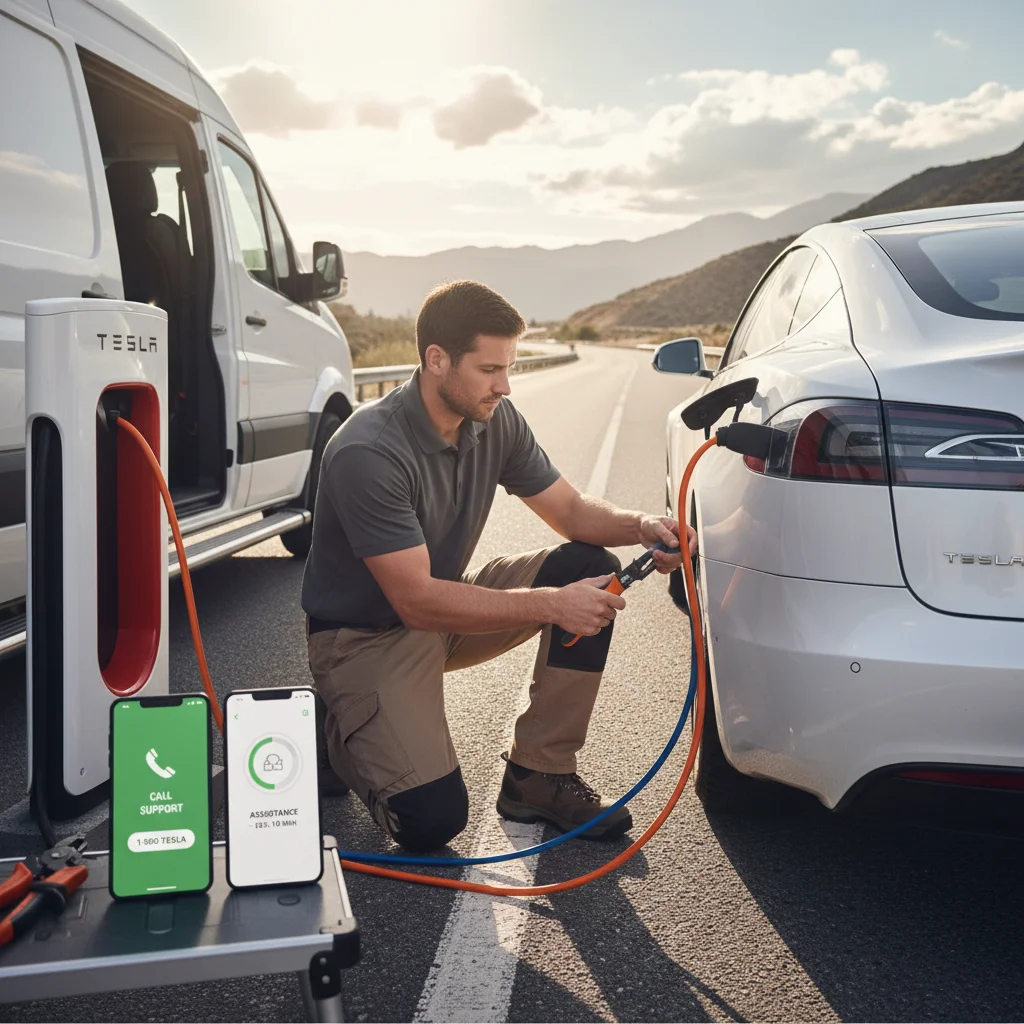
You’re pulled over on the 5 near Sorrento Valley, your Tesla won’t move, and you’re staring at two options: dial the Tesla roadside number or tap through the app. The wrong choice can cost you 20 extra minutes on the shoulder of a busy freeway.

A driver's hand holding a phone with the Tesla app roadside screen open, with a Tesla Model S visible in soft focus on a San Diego street at dusk

The short answer: the app is faster in most situations. But “most” isn’t “all,” and knowing the exceptions matters when you’re actually stuck.

The two ways to reach Tesla roadside in 2026

Tesla gives owners two official contact methods. The first is the in-app roadside request, accessible under the “Roadside Assistance” tab inside the Tesla mobile app. The second is the Tesla roadside phone number, which routes you to a live agent anywhere in North America.

Both methods connect to the same Tesla Roadside network. The difference is in how much friction sits between you and a dispatched technician.

The app path works like this: you open the app, tap Roadside, select your issue from a menu, confirm your GPS location, and submit. The system logs your request, sends a confirmation, and assigns a provider. Total taps: about six. Total time to submission: under two minutes if your cell signal cooperates.

The phone path works like this: you dial, wait on hold, speak with an agent, describe your problem verbally, confirm your location, and wait for the agent to enter it on their end. That agent then dispatches a provider. On a low-traffic Tuesday afternoon, this might take four minutes. During peak hours or after a major storm — the kind of coastal weather San Diego gets in February and March — hold times stretch to 15 minutes or more.

One thing both methods share: they rely on Tesla’s contracted provider network, which in San Diego County can be thinner in outlying areas like Ramona, Jamul, or the back side of Otay Mountain. More on that in a moment.

What the app does that the phone line can’t

The app isn’t just a faster dial tone. It does things a voice call structurally can’t.

Location pinning. Your GPS coordinates attach to the request automatically. No reading off a mile marker, no guessing which Carmel Valley Road exit you’re near. The agent or dispatcher sees a pin on a map the moment you submit. That alone removes the single biggest delay on voice calls: location confusion.

Vehicle diagnostics push. When you initiate a roadside request through the app, Tesla’s system can pull your vehicle’s fault data at the same time. The responding technician often knows whether you’re dealing with a 12V battery failure, a charge port lock, or a high-voltage system event before they arrive. If you’ve ever read about common Tesla 12V battery failure symptoms, you know how useful it is when the tech shows up already knowing the likely culprit.

Documented request trail. The app creates a timestamped ticket. If the provider doesn’t show, you have a record. Voice calls don’t generate that paper trail automatically — you’d need to ask for a case number and write it down yourself.

No hold music. This sounds small. At 11 p.m. on the 8 East near Alpine, it doesn’t feel small.

The app does have one weak spot: it requires a live data connection. If you’re in a dead zone — and San Diego County has more of them than most people expect, especially in the inland valleys and along stretches of Highway 94 — the app request won’t submit. That’s when the phone wins.

When the phone number actually wins

There are three real scenarios where calling beats tapping.

First, spotty signal. The app needs a sustained data connection to complete a request. A voice call can go through on one bar where data won’t load. If you’re on the shoulder near the Tecate border corridor or parked in a parking structure with poor reception, dial first.

Second, unusual or complex situations. The app menu is built for common problems: out of charge, won’t start, flat tire, locked out. If your situation doesn’t fit a category — say, a trailer hitch is stuck and blocking the charge port, or you’ve been in a minor collision and aren’t sure if the vehicle is safe to move — a live agent can triage better than a dropdown menu. You can review Tesla’s roadside assistance policy for 2026 to understand what actually qualifies for covered dispatch before you call.

Third, escalations. If you already submitted an app request and nothing has happened in 30-plus minutes, calling with your case number gets you to a supervisor track faster than resubmitting through the app.

For routine situations with a clear cause — dead 12V, out of range, won’t unlock — the app is the right first move. For everything else, have the Tesla roadside assistance phone number saved in your contacts before you ever need it.

Split frame showing phone call screen on one side and Tesla app roadside menu on the other, photorealistic phone mockup

Real San Diego dispatch times for both

San Diego County sits in a coverage gray zone for Tesla’s roadside network. The coastal cities — La Jolla, Chula Vista, Oceanside — have reasonable provider density. Inland and rural pockets are a different story.

App-initiated requests in San Diego proper typically see a dispatch confirmation within 5-10 minutes. Estimated arrival from Tesla’s contracted providers runs 45 minutes to 90 minutes depending on time of day and provider availability. During the I-15 corridor’s morning crunch between Escondido and Mira Mesa, that 90-minute estimate has been known to stretch.

Phone-initiated requests in the same urban zones add the hold time on top of that. Best case, you lose 5 minutes. Worst case, 20.

In outlying areas like Fallbrook, Valley Center, or the East County desert stretches near Jacumba, Tesla’s provider network thins considerably. Dispatch confirmations still come through on the app — but the arrival window frequently extends past two hours. The California Energy Commission’s EV infrastructure data shows San Diego’s rural charging and service coverage still lags behind the coast, and roadside service reflects the same gap.

Neither contact method can fix a thin provider network. That’s a geography problem, not a UI problem.

What to do if neither responds in 30 minutes

Thirty minutes without a confirmed ETA is the threshold where you should stop waiting and start acting.

First, check your app for a case number and call the Tesla roadside number with it. Ask specifically for an updated ETA and the name of the dispatched provider. If no provider has been assigned, ask for escalation.

If you’re stranded on a freeway shoulder, text 511 to reach Caltrans roadside assistance — they can push a safety vehicle to you while you wait for Tesla’s provider.

If you’re off-charge and no rescue is confirmed, a mobile EV charging service is your fastest path to range. Our Tesla roadside rescue service runs across San Diego County, and we carry enough onboard power to get most Teslas from zero to a safe drive range in one stop. We’re not a backup to Tesla — we’re a parallel option that often arrives faster in the areas Tesla’s contractor network covers poorly.

For a broader look at what’s covered before anything goes wrong, the breakdown at Tesla roadside assistance coverage is worth reading on a calm day, not a stressful one.

When to call Charge Pro

If you’re stranded, out of charge, or dealing with a dead 12V and Tesla’s response window isn’t cutting it, that’s exactly what our team handles. We dispatch a Cybertruck rescue truck across San Diego County — coastal cities, inland valleys, and the gaps in between.

Call us at (858) 808-6055 — we’ll roll a Cybertruck rescue truck to you.