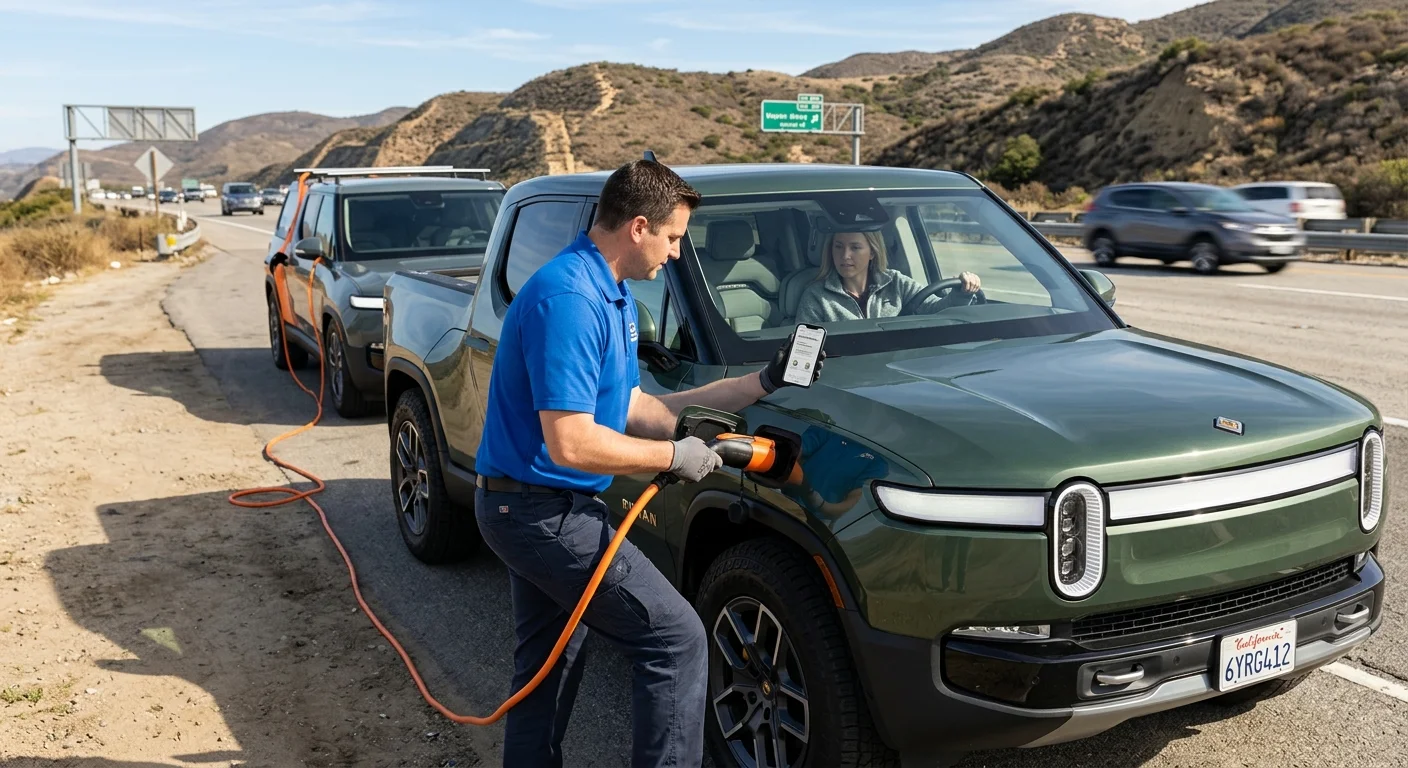
If you need the Rivian roadside assistance phone number, don’t trust a number copied from an old search result. This site’s approved source ledger doesn’t confirm a current Rivian number, so use Rivian’s official app or support site for the live contact path.

A Rivian driver reviewing the official support path on a phone, with no phone nu

Verify the current Rivian contact path

The number you need should come from a current Rivian-controlled channel. Start in Rivian’s official app or on its official support site. Use the roadside contact displayed there. This site’s approved facts don’t contain a verified Rivian roadside number. That’s why no third-party number appears here.

Check the source before you tap. The page or screen should clearly belong to Rivian. Don’t copy a number from a forum, map listing, old screenshot, or search snippet. Those sources aren’t the authority for Rivian’s current contact route.

If the app and support site show different instructions, follow the newer official instruction. You can also ask Rivian to confirm the correct route. Save the current contact path once you’ve verified it.

Keep the official route and local backup route distinct. Rivian decides its own contact methods, eligibility rules, and manufacturer support. Charge Pro SD doesn’t speak for Rivian. We connect drivers with licensed, independent local EV rescue operators in San Diego County.

A live contact check matters across the county. That includes South Bay, central San Diego, East County, and coastal North County. Your next step shouldn’t depend on an unverified saved number.

For more context, read our guide to Rivian roadside assistance in San Diego. It compares the manufacturer contact route with practical local backup choices.

Share the model, location, and warning message

A clear request helps Rivian or a local operator understand the situation. Start with the Rivian model and your exact location. Include the street, nearest cross street, parking structure name, or lot entrance. If you’re beside a highway, report the route and direction shown on nearby signs.

Next, copy the warning message exactly. Don’t shorten it or replace it with your own diagnosis. Take a photo or screenshot if the display remains visible. Report the displayed battery percentage and any range figure without guessing what caused the problem.

Describe what happened just before the vehicle stopped cooperating. State whether it was parked, connected to charging equipment, or being driven. Mention what still responds when you use the controls. If the charge port is involved, explain whether a connector is attached or the port won’t open.

Tell the contact whether the vehicle blocks traffic, sits inside a garage, or has limited access around it. If the location presents an immediate danger, call 911 before arranging vehicle help.

Don’t leave out changes that happened after the first warning. A screen may display new wording while you’re making the call. Pass along the newest message and keep earlier photos available.

These details aren’t a diagnosis. They’re a clean record of what you can see. Rivian or the matched operator can then discuss the appropriate next step.

Separate out-of-charge from low-voltage trouble

Use the vehicle’s displayed information to describe the problem. Don’t decide that every unresponsive Rivian has an empty main battery. Likewise, don’t label the issue low voltage unless the vehicle displays that warning or a qualified professional identifies it.

For a possible out-of-charge situation, report the last visible charge percentage. Include any charging or range warning shown before the stop. Say whether the vehicle stopped after its displayed charge continued falling. If you tried connecting at a charging location, report only what the charger and vehicle displayed.

For possible low-voltage trouble, quote any low-voltage warning word for word. Describe which screens, locks, lights, or controls respond. Don’t treat those observations as proof of a specific failed part. Wait for guidance before attempting an electrical intervention.

This distinction matters when you request help. Mobile energy assistance, low-voltage help, and vehicle transport aren’t interchangeable requests. A local operator needs an accurate description before discussing what may fit.

Connector questions also need vehicle-specific confirmation. Our guide to what charger a Rivian uses for roadside help explains what to verify before requesting mobile energy assistance.

When local support is appropriate, our non-Tesla EV rescue service can connect you with an independent operator. The operator determines whether the requested service fits the vehicle and location.

Know when manufacturer support may not fit

Start with Rivian when the question depends on Rivian’s current policies. That includes contact eligibility, manufacturer programs, account access, and vehicle-specific instructions. Charge Pro SD can’t confirm those terms for Rivian.

Don’t assume manufacturer support covers a particular event. Don’t assume a service has no charge, either. This site’s approved sources don’t verify Rivian coverage terms, prices, support hours, response times, or warranty treatment. Ask Rivian for the current terms before authorizing anything.

A local backup may make sense when you need practical roadside options in San Diego County. That could involve discussing mobile energy assistance, low-voltage help, or transport with an independent operator. The operator must evaluate the request before saying what service is suitable.

Location details can shape that conversation. Access inside a central San Diego garage differs from an open roadside location in East County. South Bay and coastal North County drivers should still provide exact access instructions. Don’t rely on a broad neighborhood name alone.

Local help also doesn’t become Rivian-authorized support unless Rivian confirms that relationship. Ask who’ll perform the service, what they’ll do, and whether any manufacturer approval is needed.

Our emergency EV roadside assistance service offers a local connection point. It doesn’t replace Rivian’s authority over its vehicles, policies, or manufacturer support.

How local operator matching works

Charge Pro SD is a referral service for San Diego County. We match stranded EV drivers with licensed, independent local EV rescue operators. Charge Pro SD doesn’t charge vehicles, jump batteries, tow vehicles, or perform repairs.

When you call, have the same details ready for the operator. Share the Rivian model, exact location, displayed charge, warning text, and access conditions. Explain whether you need mobile energy assistance, low-voltage evaluation, or transport discussed.

The matched operator decides what work it can perform. Ask the operator to explain the proposed service before you accept it. Confirm the price, payment terms, equipment plan, and any service limits directly with that operator. Charge Pro SD doesn’t set prices or provide warranties.

If transport is proposed, confirm the destination before work begins. If mobile charging is discussed, ask the operator to confirm equipment compatibility with your specific Rivian. Don’t assume compatibility from a connector photo or an old online post.

Keep Rivian’s official guidance available during the conversation. A local operator can address the practical roadside request, while Rivian remains the source for manufacturer instructions and policies. If either party asks for a warning message, send the original photo rather than a rewritten version.

This approach keeps the decision clear. Use Rivian’s verified current contact path first when manufacturer input matters. Use local operator matching when the immediate roadside need calls for an independent San Diego County option.

When to call us

Call when your Rivian needs a local mobile EV rescue operator and the manufacturer route doesn’t fit the immediate roadside need. Have your location, model, charge display, and warning message ready. Call us at (858) 400-4465 and we’ll connect you with a local EV rescue operator.