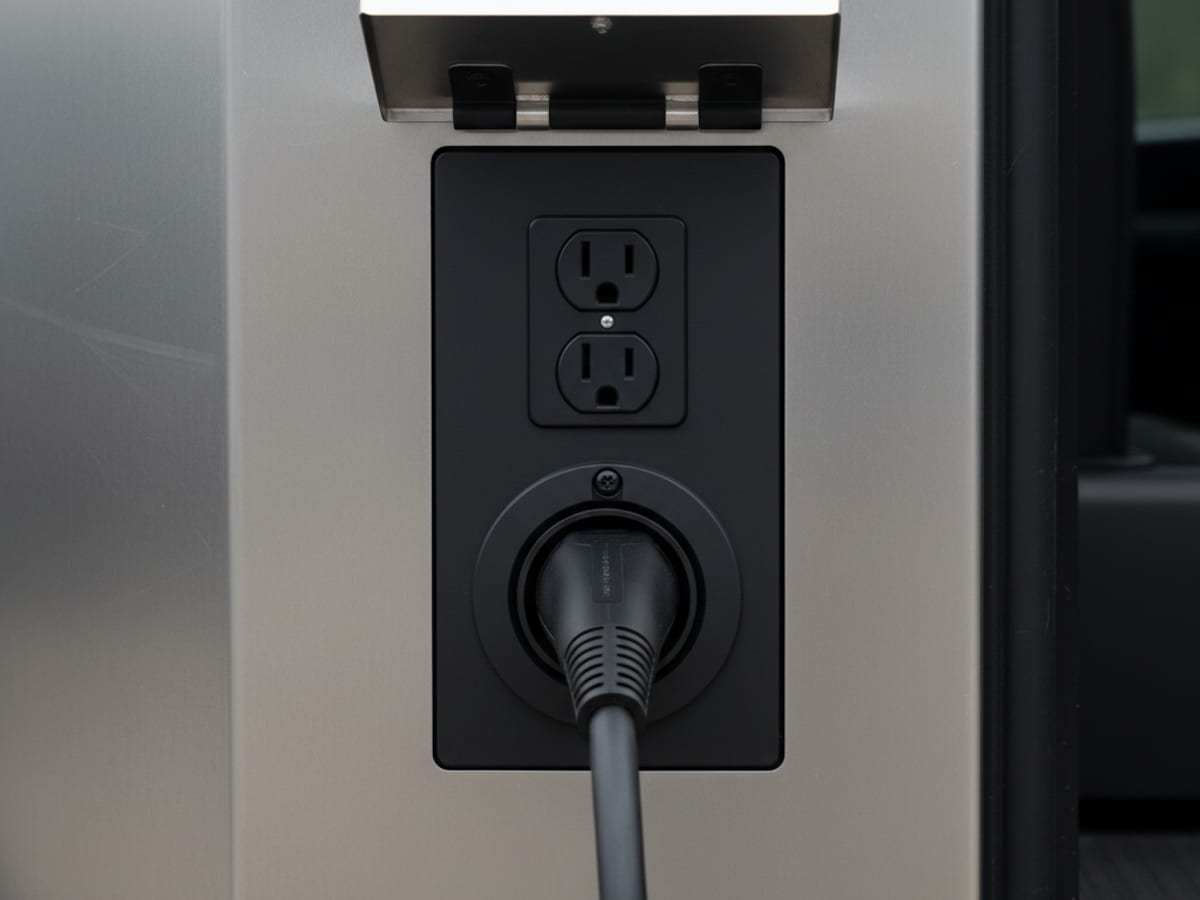
When a public charger’s screen says “connected” or “charging” but your car’s dashboard shows no power flowing, it’s almost always a stalled handshake between the network’s billing system and your car, not a broken cable. This is a different problem than a charger that won’t even start a session. The kiosk thinks it’s doing its job. Your car disagrees. Here’s why that gap happens and how to close it without wasting twenty minutes staring at two screens that don’t match.
Why the charger and your car disagree
A DC fast charger or networked Level 2 station has to do three things in order: confirm your car is physically connected, verify your payment or account, and then actually authorize power delivery. “Connected” only confirms the first step. It doesn’t mean the other two finished.
Most of the time, the kiosk screen updates faster than the backend billing system does. It shows “connected” or even “charging” the moment it detects your car, before the network has fully confirmed payment and released power. Your dashboard, watching the actual current flow, correctly shows nothing happening. That mismatch is the most common version of this problem, and it’s a software timing issue, not a hardware fault.
What to check, in order
Look at your car’s dashboard, not just the kiosk. Your car’s own charging screen tells you the truth about whether current is flowing. If the kiosk says “charging” but your car’s kWh counter hasn’t moved in two or three minutes, trust your car.
Check the app for a pending or failed authorization. Open the network’s app, ChargePoint, EVgo, or Electrify America, and look for the specific session. If it shows “pending,” give it another minute or two. If it shows “failed” or “declined,” that’s your answer, it’s a payment issue, not a connector issue.
End the session and restart it from your phone, not the kiosk screen. Tapping the kiosk screen repeatedly usually just resends the same stuck request. Ending the session in the app and starting a fresh one forces a new handshake, which clears most stalled authorizations.
Fully unplug and reseat the connector. If the app shows an active, paid session but your car still isn’t drawing power, a poor connector seat can be blocking the actual current path even though the network thinks it authorized everything correctly.
Try a different card or payment method in the app. An expired card or a card that got flagged can sometimes show “connected” while quietly failing authorization behind the scenes instead of throwing a clear decline message.
Quick reference
| What the kiosk shows | What your car shows | Likely cause | What to do |
|---|---|---|---|
| ”Connected” | Nothing, no kWh movement | Authorization still pending | Wait 1-2 minutes, check the app for status |
| ”Charging” | Nothing, no kWh movement | Stalled handshake after a fast kiosk update | End and restart the session from the app |
| ”Charging” | kWh moving very slowly | Shared power cabinet, another stall pulling more current | Normal, but try an open adjacent stall if it’s too slow |
| Error or blank screen | Nothing | Real hardware or network fault | Try an adjacent stall or a different station |
| ”Connected,” app shows declined | Nothing | Payment or account issue | Try a different card, or the RFID card if you have one |
When this points to something more than a stuck screen
If you’ve ended the session, restarted it, reseated the connector, and confirmed the app shows an active paid session, and your car still shows zero kWh after five minutes, that stall likely has a real fault, not just a slow handshake. At that point, moving to a different stall or station is faster than continuing to troubleshoot the same one. Our guide on a public charger not working in San Diego covers what to do when the charger itself, not just the session status, is the actual problem.
If your range is getting tight while you’re troubleshooting
Every minute spent staring at a stuck screen is a minute your battery isn’t going up. If you’re already under 15% and losing confidence in this station, it’s worth deciding now rather than after you’ve burned twenty more minutes. Our mobile EV charging service delivers real range to wherever you’re parked, station or not, so a stuck public charger doesn’t turn into a stranded car. If you want a sense of how low is too low to keep gambling on a fix, our guide on running low on battery breaks down real range at each percentage.
Frequently asked questions
Why does a public charger say “charging” when my car isn’t gaining any range?
The kiosk screen often updates the moment it detects your car plugged in, before the network’s backend has actually confirmed payment and released power. Your car’s own dashboard is the more reliable source, since it reflects real current flow, not just the kiosk’s status message.
How long should I wait before assuming a stuck session is a real problem?
Give it two to three minutes after ending and restarting the session. If your car still shows zero kWh moving after that, it’s worth trying a different stall or station rather than continuing to wait.
Does restarting the session from my phone actually help?
Yes, more than tapping the kiosk screen. Ending and restarting the session from the network’s app forces a fresh authorization request, which clears most stalled handshakes between the charger and the billing system.
Can a bad connector seat cause this even if the app shows a paid, active session?
Yes. The network’s app tracks billing and authorization, not the physical connection quality. A loose or partially seated connector can block current even after the network believes everything is authorized correctly.
What if the app shows my payment was declined?
Try a different card or your RFID card if you have one. A declined payment on a networked charger can sometimes still show “connected” on the kiosk screen even though the session never actually authorized.
Call Charge Pro SD at (858) 400-4465 and we’ll be on our way.