A phone full of charging apps doesn’t help once the battery indicator hits zero. The apps matter earlier, when you still have range to plan with. Knowing which kind of app to check, and when to stop trusting any of them, is what actually keeps a San Diego County trip from ending on the shoulder.

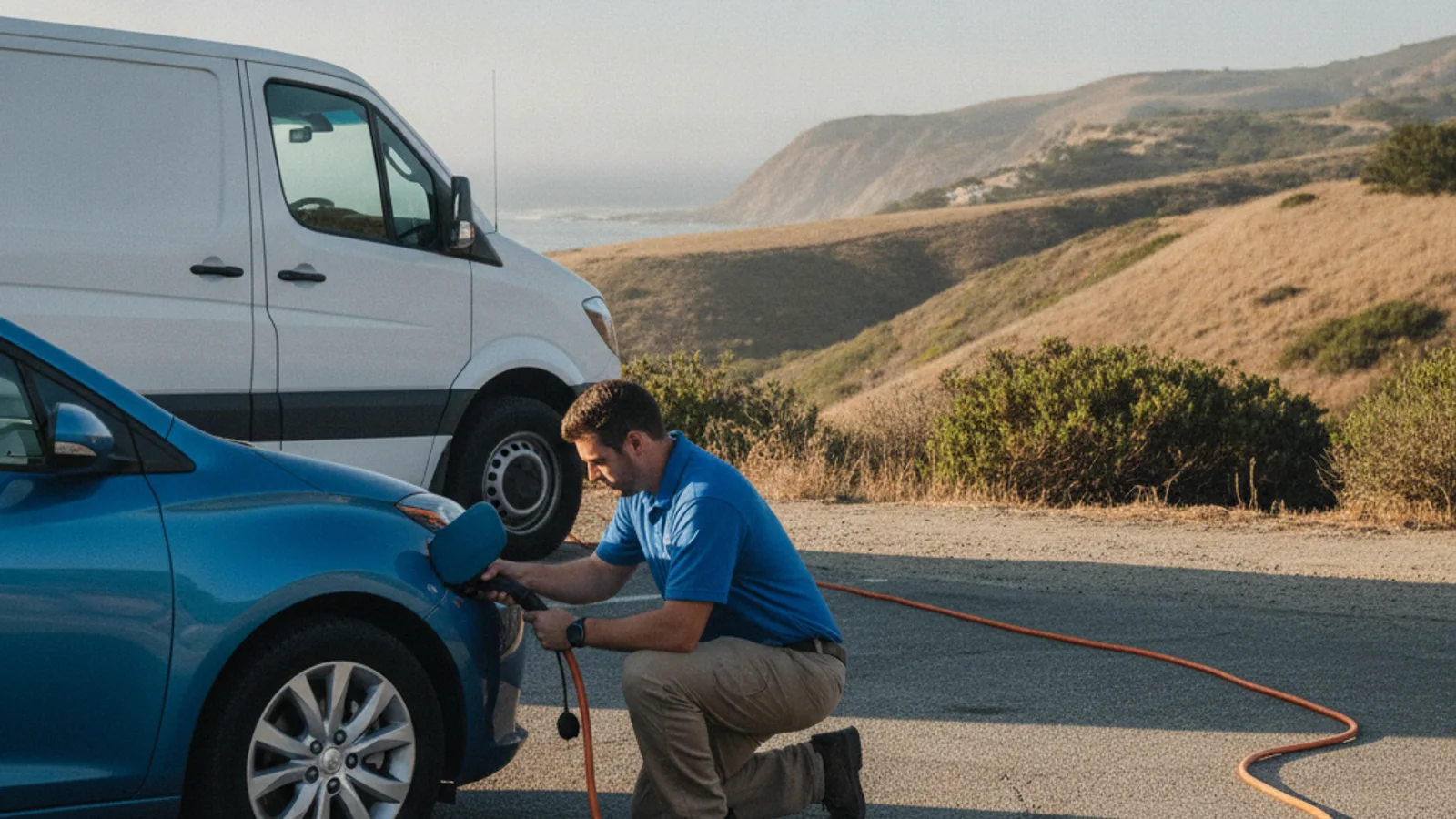
An EV driver reviewing charging map icons on a phone before a San Diego County trip

Use the vehicle app first

Start with the app your vehicle maker built for your car. It talks to the vehicle’s own systems, so it can factor in your actual battery state, not a generic estimate. That’s a real advantage over a third-party map that only knows where chargers sit, not how your specific car is doing right now.

We won’t name a specific maker’s app here or describe its feature list, because a feature set changes with software updates and we can’t verify what’s currently true for every model. Check your own vehicle’s current documentation or the maker’s official site for what the app does and which chargers it can route you to. If you’re not sure your car has one, the owner’s manual or a dealer service department can tell you.

The vehicle app is a starting point, not a guarantee. It can suggest a route and a charging stop, but it can’t confirm in real time that a specific plug at a specific station is free and working when you arrive. Treat its suggestion as a plan, then verify before you commit the miles to get there.

This matters more on inland routes than coastal ones. A trip that stays close to I-5 through the coastal corridor has denser charging options along the way. A trip that runs I-15 or SR-78 into inland North County, or I-8 and SR-94 toward East County, covers more distance between charging points. The vehicle app’s routing suggestion carries more weight, and more risk if it’s wrong, the farther you get from the coast.

Check station networks before the battery gets low

Beyond the vehicle’s own app, most public charging networks run an app or website tied to their own equipment. These let you see which of their stations are nearby and, in some cases, whether a given network reports a station as available. That’s a genuinely useful second check, since a network’s own app is usually the most current source for its own hardware.

The limitation is scope. A network app only knows about its own stations. If you’re driving through an area served by a different network, or a mix of networks, one app alone won’t give you the full picture. Checking two or three network apps before a longer trip is more useful than checking one you already have installed out of habit.

We’re intentionally not ranking or describing specific network apps here. Coverage, features, and reliability change, and asserting what any one app currently does without a verified source would be a guess dressed up as a fact. If you want to know what a particular network’s app currently supports, its own site is the accurate answer, not a blog post that could be months out of date.

For a broader look at what public charging exists in the region, the DOE Alternative Fuels Data Center maintains a station locator drawn from reported infrastructure data. It’s a government source, not a live availability feed, but it’s a reasonable starting point for understanding what’s out there before you rely on any single app’s map.

Treat crowd reports and availability as changing

A third category worth knowing about is the aggregator map, an app that pulls together station locations from multiple networks into one view, sometimes with driver-submitted notes about whether a plug worked the last time someone used it. These can be useful for spotting options a single network’s app wouldn’t show you.

The honest caveat: a pin on a map is not a promise. A station can be listed and still be broken, occupied, out of service, or removed since the last update. A crowd comment from three weeks ago tells you what one driver experienced once, not what’s true right now. None of that is a flaw specific to one app. It’s how any listing works when the underlying equipment is owned and maintained by someone else, not the app itself.

This is exactly where our San Diego EV charging guide fits into planning. Local conditions change, and a page built around the county’s own charging landscape is more useful for context than a national app’s default view. Use both together rather than trusting either one in isolation.

If you’re already watching the percentage drop and wondering whether you’ll make it to any of the options an app is showing you, our guide on what to do when an EV is running low on battery walks through that decision before you’re fully stranded.

Save roadside and transport options

Charging apps solve the problem of finding a station. They don’t solve the problem of a station that turns out to be dead when you arrive, or a car that won’t accept a charge at all once you’re plugged in. Save a plan for that outcome before you need it, not while you’re standing next to a charger that isn’t working.

If you pull up to a station an app listed as available and the plug won’t initiate a session, that’s a separate problem from range planning. Our post on what to do when an EV charger isn’t working covers the troubleshooting steps worth trying before you assume the whole trip is off.

Keep a backup plan that doesn’t depend on any single app being right. That might mean noting a second charging option along your route before you leave, or simply knowing who to call if the first and second options both fall through. San Diego County’s charging apps are more reliable near the coast, where station density is higher, than they are on longer inland stretches along I-15, SR-52, SR-56, or the drive out toward East County on SR-94 or I-8, where a wrong or stale listing costs you more miles to recover from.

What to do when no reachable charger appears

Sometimes every app you check shows the same result: nothing reachable, or nothing confirmed working, within range of where you are. That’s the point where checking another app stops being useful. At that point the question isn’t which app to trust, it’s how to get the vehicle charged or moved without driving further on a battery that’s already low.

Mobile EV charging can bring power to a vehicle that’s parked safely but too far from a working public charger to reach one. If the vehicle is already at zero, or in a location where charging on-site isn’t practical, out-of-charge recovery is the option to ask about instead. The independent operator you’re matched with can evaluate the vehicle and the location before deciding which one fits.

Don’t keep driving on a shrinking percentage hoping the next app pin turns out to be real. If the apps have run out of reachable options, that’s the signal to stop and call for help rather than gamble the last few miles on an unverified listing.

When to call us

If every app you’ve checked has failed to turn up a working, reachable charger and the battery is getting critical, that’s when planning has run out of road. Call us at (858) 400-4465 and we’ll connect you with a local EV rescue operator.