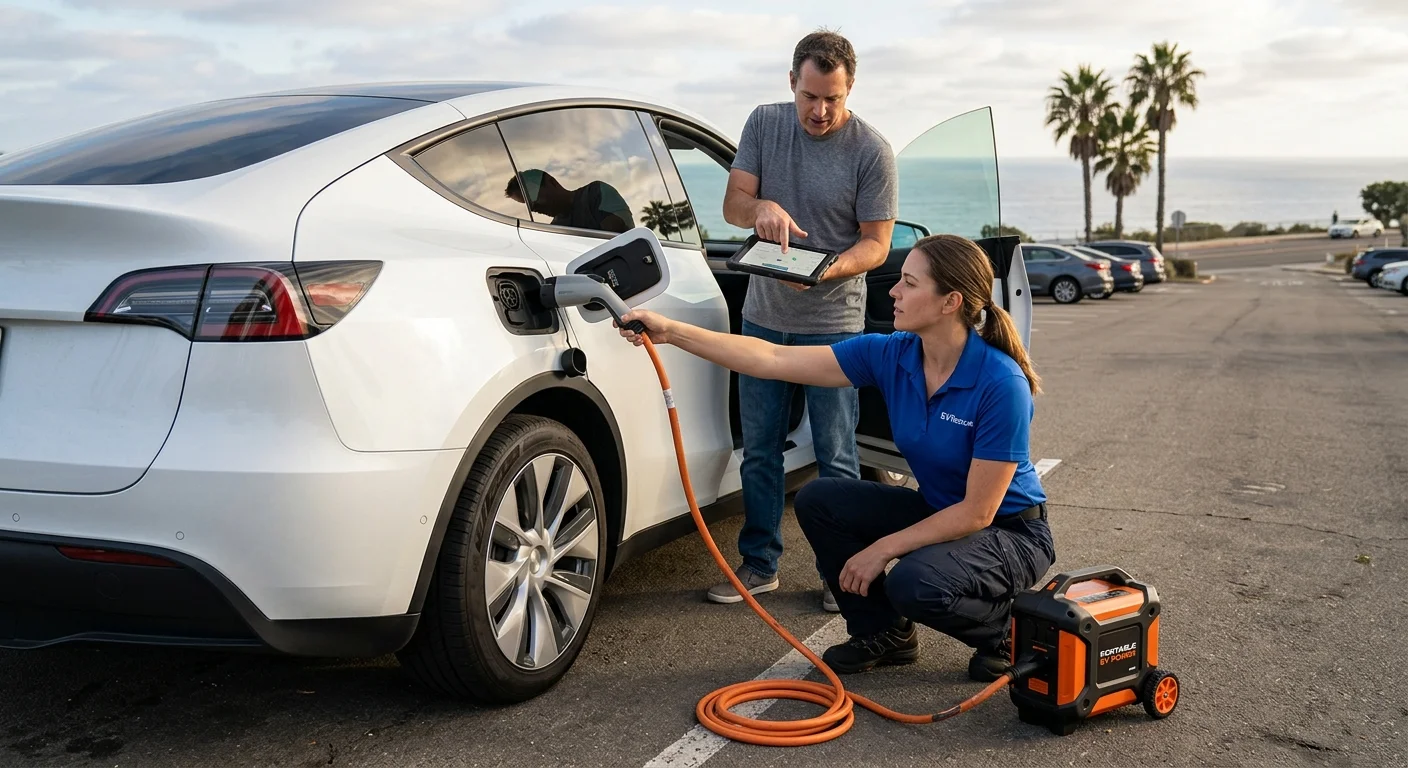
A powerless Model Y needs a precise handoff before transport is arranged. To tow a Tesla Model Y with no power, identify its model year, report what still works, and ask the operator to follow Tesla’s current instructions for that exact vehicle. This checklist doesn’t guess at release points, towing mode, or loading steps.

A powerless Tesla Model Y parked safely in San Diego while its driver shares acc

Confirm the Model Y and model year

Start by telling the operator that the vehicle is a Tesla Model Y. Include the model year if you can confirm it from a reliable vehicle record. Don’t guess based on the car’s appearance.

If you can’t confirm the year, say that plainly. Ask the operator what information they need to identify the applicable Tesla instructions. A photo of the vehicle and any visible screen message may also help them understand the situation. Don’t include private account details in a text message.

Give the operator a short, factual description:

  • Tesla Model Y
  • Confirmed model year, or “model year not confirmed”
  • Exact location
  • Whether the car is parked, blocked in, or near traffic
  • Whether you have the key card or phone key
  • Any visible damage
  • The last message shown on the screen or app

Location details should be more precise than “San Diego.” Name the city, road, parking structure, or nearby landmark. For example, describe a Chula Vista driveway, a downtown San Diego garage level, or a marked East County roadside location. Share a map pin, then add details the pin doesn’t show.

Don’t assume the operator already has your vehicle information. Repeat the model and confirmed year during the handoff. Our Model Y roadside assistance guide covers other information worth gathering before help is arranged.

Identify whether low-voltage power is available

“No power” can describe several different observations. Tell the operator exactly what you see instead of naming a cause you haven’t confirmed. This gives them usable information without turning a guess into a diagnosis.

Check and report observable details:

  • Is the center screen lit or completely dark?
  • Do the exterior lights respond?
  • Can the doors unlock normally?
  • Does the Tesla app connect to the vehicle?
  • Can you open the vehicle with your usual key method?
  • Is a warning message visible?
  • Did the vehicle stop while driving, or fail to respond while parked?
  • Was the main battery already showing a low charge?

You don’t need to decide whether the main battery or low-voltage system caused the problem. If the screen is dark but the app shows information, report both facts. If nothing responds, say that. If you can’t access the cabin, make that clear before an operator accepts the request.

This page doesn’t provide low-voltage access or jump procedures. Those steps aren’t confirmed in our approved source file for every Model Y year. The operator should check the current Tesla material before suggesting a vehicle-specific action.

Our guide to towing a Tesla with no power provides a broader handoff for other Tesla models. For this call, keep the focus on your Model Y, its confirmed year, and the controls that still respond.

Check Tesla’s current transport instructions

Ask the operator to use Tesla’s current transport instructions for your exact Model Y and model year. Don’t substitute an old video, forum comment, or procedure remembered from another Tesla. This article won’t paraphrase model-specific loading or access steps because those details aren’t verified in the approved claims ledger.

If you can reach the official owner’s manual linked to your vehicle, locate its roadside or transport section. Share the relevant heading with the operator. Let the operator interpret the current instructions and decide whether the requested job fits their equipment and experience.

Don’t activate Tesla towing mode from a generic checklist. First report whether the screen is available and what the vehicle currently displays. The operator can then compare that condition with Tesla’s instructions for your vehicle.

If you can’t access the manual, tell the operator before transport is arranged. Ask them to confirm the current Tesla procedure on their side. If an instruction conflicts with what your vehicle displays, stop and request clarification from the operator or Tesla.

Also mention any visible collision, wheel, tire, suspension, or underside damage. Describe only what you can see. Don’t declare the vehicle safe to move or diagnose hidden damage.

The goal isn’t to direct the loading process yourself. It’s to give a licensed, independent operator enough accurate information to review the official instructions and plan the job. Charge Pro SD makes that connection. The selected operator performs the physical work and determines how the vehicle can be handled.

Share parking, access, and destination details

Vehicle access can shape the entire request. A Model Y inside a parking structure needs a different location description than one in an open driveway. Give the operator the details before they travel to the site.

Start with the exact pickup point. Include the property name, garage level, space number, gate instructions, and the vehicle’s position. For a roadside location, share the road name, direction of travel, nearby exit, and a map pin. Don’t rely on the pin alone.

Then describe the space around the vehicle:

  • Is the car facing into a parking space?
  • Is another vehicle blocking it?
  • Is it close to a wall, curb, pillar, or gate?
  • Is it above or below ground?
  • Is there a posted clearance at the entrance?
  • Can you reach the cabin with your normal key method?
  • Are the windows open or closed?
  • Is the charging cable connected?

Only report the clearance number if you can read it directly from a posted sign. Don’t estimate. The operator can decide whether the site and requested work fit their equipment. Charge Pro SD doesn’t claim that every operator carries the same equipment.

Confirm the destination before pickup. Give the operator the full address and the name of the receiving location. Contact that destination yourself to confirm it will accept the vehicle. If the destination changes, tell the operator before transport begins.

These details matter across San Diego County. A garage in City Heights, a South Bay driveway, and an open North County lot require different descriptions. Precise facts help the operator evaluate the request without assumptions.

Decide whether charging or transport fits

A powerless Model Y doesn’t automatically tell you whether charging or transport is the right service. That decision depends on the vehicle’s observed condition, available access, location, and the operator’s review. Don’t promise yourself that one approach will work before those details are checked.

If the main issue appears to be an exhausted charge, ask whether the request fits out-of-charge EV recovery. Describe the vehicle’s last displayed charge information and any warnings you saw. Don’t invent a battery percentage if the screen and app are unavailable.

If the car won’t unlock, its controls don’t respond, or damage is visible, explain those conditions first. An operator may need more information before deciding whether charging can help or transport should be considered. Charge Pro SD doesn’t make that mechanical decision and doesn’t perform either service.

A useful call follows this order:

  1. Confirm the Model Y and model year.
  2. Report the screen, app, lock, and light responses.
  3. Give the precise pickup location and access limits.
  4. State whether damage is visible.
  5. Provide the intended destination.
  6. Ask which current Tesla instructions apply.
  7. Let the operator confirm whether they can accept the job.

For broader help with a stranded Tesla, review our Tesla roadside rescue service. We connect drivers with licensed and insured independent local operators. The customer contracts with and pays the selected operator directly, so confirm the service scope and any terms with that operator.

When to call us

Call when your Model Y has no usable power and you need an operator to evaluate charging or transport. Have the model year, low-voltage observations, access details, and destination ready. Call us at (858) 400-4465 and we’ll connect you with a local EV rescue operator.