A Tesla’s low-voltage battery supplies its separate low-voltage electrical system. It isn’t the large traction battery that stores energy for driving. That distinction matters when the car shows warnings, won’t respond normally, or still has driving range displayed.
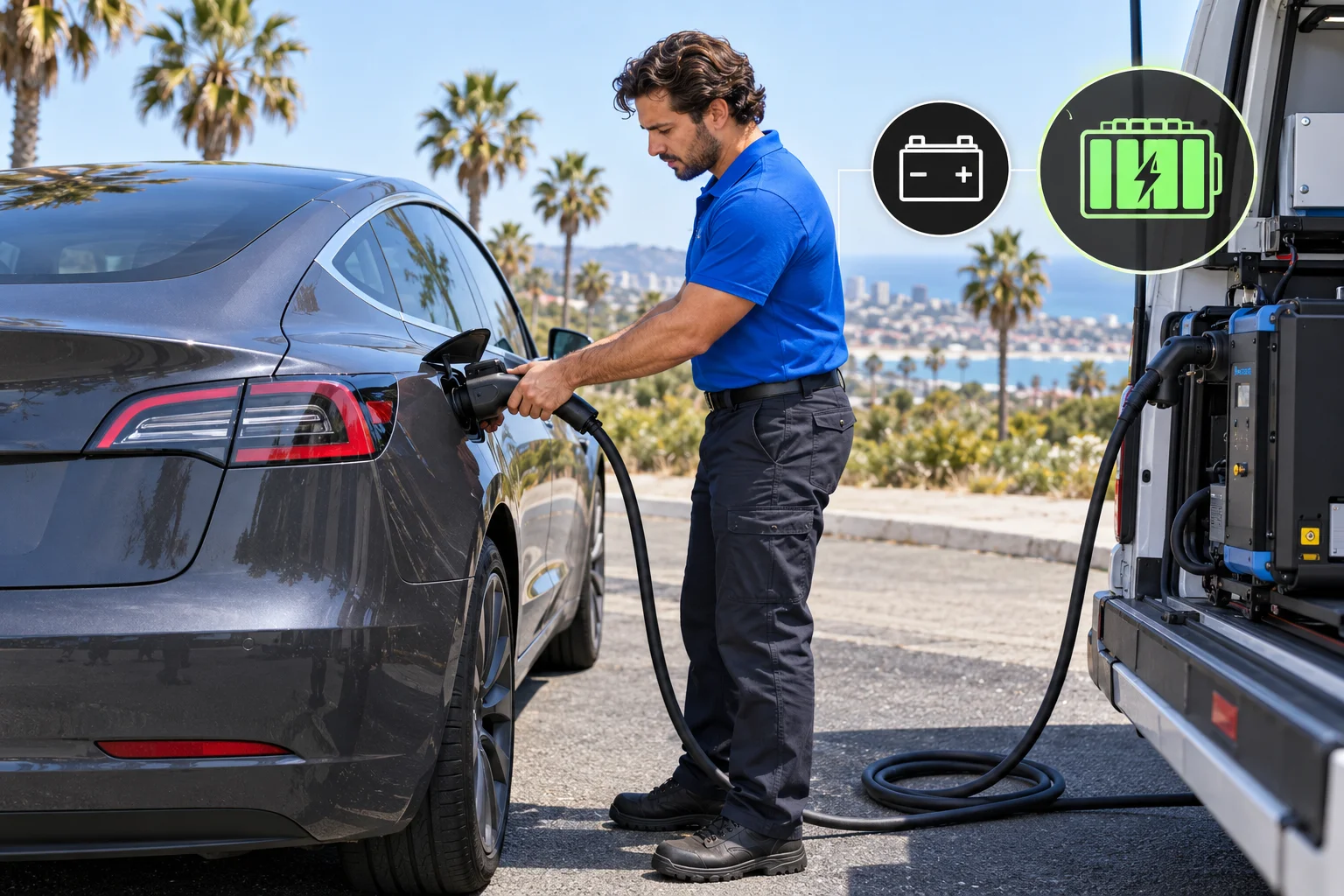
Separate low-voltage power from driving power
The easiest way to understand a Tesla’s batteries is to separate two jobs. The traction battery stores the energy used for driving. The low-voltage battery supports a different electrical system within the vehicle.
That doesn’t mean every Tesla has the same low-voltage battery. The exact part can vary by model, model year, and vehicle configuration. Tesla’s current Model Y manual, for example, describes a lithium-ion low-voltage battery. That detail shouldn’t be copied to every Model S, Model 3, Model X, Model Y, or Cybertruck.
This is also why “12V battery” and “low-voltage battery” aren’t always interchangeable descriptions. Owners often use “12V” as a broad label. The safer term is the wording used in the vehicle’s current manual and displayed warning.
The low-voltage system and traction battery can create different roadside situations. A car may show remaining driving charge yet still have a low-voltage problem. Conversely, an out-of-charge traction battery isn’t automatically a low-voltage battery failure.
Our Tesla battery symptom comparison explains how those two situations can appear similar. If you only need the model-by-model terminology, see our guide on whether Teslas have a 12V battery.
The key takeaway is simple: driving charge doesn’t answer every electrical question. Start by identifying which battery system the warning names.
Explain what can stop working when power is lost
Charge Pro SD couldn’t confirm one universal list of affected features for every Tesla model year. Tesla changes vehicle designs, manuals, and procedures. A feature listed for one vehicle shouldn’t be treated as a promise about another.
What can be said safely is that lost low-voltage support may prevent the vehicle from responding normally. The exact symptoms matter. Record whether the screen is on, whether the vehicle responds through the app, and whether the doors or hood respond as expected. Also note every warning exactly as displayed.
Don’t assume a silent screen proves the traction battery is empty. Don’t assume displayed driving range rules out a low-voltage issue either. Those conclusions require vehicle-specific information and diagnosis.
The current Model Y manual illustrates another important distinction. Its emergency hood-release leads only release the hood latches. Tesla says those wires can’t charge the low-voltage battery. They must be disconnected once the hood unlatches. That’s one reason random online instructions can create confusion. Opening an access point and supplying low-voltage power aren’t the same task.
Tesla also states that a Model Y can’t be used to jump-start another vehicle. Anyone considering external power should follow the manual for the exact Tesla involved. If another vehicle would supply that power, Tesla directs the owner to follow that other vehicle manufacturer’s instructions too.
If the Tesla is unresponsive, avoid experimenting with unfamiliar terminals or cables. The correct next step depends on the exact vehicle and its approved procedure.
Confirm the Tesla model and model year
“Tesla” isn’t enough information for low-voltage help. Before contacting Tesla or a roadside operator, confirm the model and model year. If available, keep the vehicle identification details ready too.
The model year matters because a procedure published for a current Model Y may not apply to an earlier Model Y. It also shouldn’t be transferred to a Model 3, Model S, Model X, or Cybertruck. Battery chemistry, access, warning language, and service steps may differ.
Use the owner’s manual associated with that vehicle. Tesla’s online manuals can change with the selected model and configuration. The current Model Y jump-starting page, for example, describes that vehicle’s low-voltage jump points and restrictions. It isn’t a universal Tesla procedure.
Useful details to gather include:
- The exact Tesla model and model year
- The warning text shown in the vehicle or app
- Whether the vehicle responds to normal controls
- The displayed traction-battery charge, if visible
- The vehicle’s location and immediate safety conditions
- Any recent charging or service event
- Whether anyone has already connected external equipment
Don’t remove covers or search for terminals just to collect information. A matched operator should confirm the proposed service and equipment before accepting the referral.
Charge Pro SD serves San Diego County, but location alone doesn’t establish what help fits. A Tesla parked at home in Chula Vista presents different access concerns from one disabled near I-805 or SR-78. Describe the actual setting, including traffic exposure, garage clearance, and property-access limits.
Read the exact warning before requesting help
A Tesla low-voltage battery warning shouldn’t be reduced to a generic phrase. Read the complete message and preserve its wording. A photo or screenshot can help prevent details from being lost during a call.
Our guide to the Tesla low-voltage warning discusses how to organize that information. The warning itself, the current manual, and Tesla’s vehicle-specific guidance should control the next decision.
If the message tells you to arrange service, don’t rewrite that instruction as a roadside diagnosis. A warning can identify an affected system without proving which part, repair, or recovery method is needed. A temporary change in symptoms also doesn’t confirm the issue is resolved.
Drivers commonly want four immediate answers: whether they can continue driving, whether replacement is required, what replacement costs, and whether they can do the work themselves. Charge Pro SD couldn’t confirm universal answers to those questions from the approved records.
The answer can depend on the exact warning and vehicle. Replacement pricing also depends on whoever provides the part and service. Confirm the current price before authorizing work. Charge Pro SD doesn’t set that price.
The approved records don’t support a universal do-it-yourself replacement procedure either. Don’t treat a video or another owner’s model as authority for your vehicle. Check the correct Tesla manual and ask Tesla Service when the warning concerns replacement.
Tesla directs owners to request its roadside assistance through the Tesla app. Tesla also says availability may be limited case by case for safety or regulatory reasons. That makes accurate warning text and location details especially useful.
Know when a matched operator may fit
A matched roadside operator may fit when the Tesla is disabled and the requested work falls within that operator’s confirmed capabilities. Charge Pro SD connects drivers with licensed, independent local operators. It doesn’t perform the physical work or decide what repair the vehicle needs.
Before accepting a referral, the independent operator should confirm the exact make, model, model year, symptoms, location, proposed service, price, and timing. The operator should also confirm any required equipment and the procedure intended for that vehicle.
For low-voltage situations, see our Tesla 12V battery jump referral service. Broader disabled-vehicle situations may fit Tesla roadside rescue. Those pages describe referral options, not a promise that every Tesla, location, or warning can be handled on site.
Roadside safety comes first. The California Highway Patrol says to call 911 when a disabled vehicle is in a traffic lane or dangerous location. In metropolitan areas, other roadside-assistance requests can be made through 511 by saying “Roadside Assistance.” That guidance doesn’t establish one universal rule about staying inside or exiting the vehicle.
Tell the operator whether the Tesla is in a travel lane, shoulder, gated garage, underground structure, or private lot. Also mention clearance limits and access restrictions. Don’t move the vehicle, open unfamiliar panels, or connect equipment solely because a general article suggests it.
A referral is most useful after the vehicle and problem have been described accurately. It isn’t a substitute for Tesla’s diagnosis or the exact owner’s manual.
When to call us
Call when your Tesla is disabled in San Diego County and you need help finding an independent operator who can review the specific low-voltage situation. Call us at (858) 400-4465 and we’ll connect you with a local EV rescue operator.