A disabled Tesla in South Bay can require charging, low-voltage help, or transport. Identifying the problem first helps the operator bring suitable equipment and discuss the right next step.
Identify the Tesla problem before requesting help
Start with what the Tesla is doing now, not your diagnosis. A blank display, low-charge warning, flat tire, locked charge port, and collision damage describe very different situations. Share the exact warning shown on the screen or in the Tesla app. Don’t shorten or reinterpret the message.
Give the operator the Tesla model and model year. Include whether the display turns on, the doors respond, and the vehicle can shift. If charging stopped, describe the connector and any message from the charging equipment. Don’t assume every connector or adapter works with every Tesla and charging source. Compatibility depends on the exact vehicle and equipment.
Photos can clarify the position of the car, tire condition, and visible warnings. Avoid opening covers or touching damaged charging parts to get a better picture. Tell the operator about collision damage, smoke, unusual heat, exposed parts, or water near the vehicle.
Charge Pro SD is a referral service. We connect drivers with licensed, independent local operators. We don’t perform the roadside work, own rescue equipment, set the operator’s price, or promise an arrival time. Before accepting a referral, ask the operator to confirm the vehicle, proposed service, equipment, price, and timing.
Our Tesla roadside rescue service is built around that matching process. The clearer your description, the easier it is to seek an operator suited to the reported problem.
Share I-5, I-805, or SR-125 details
“South Bay” isn’t a precise pickup point. A Tesla near I-5 in National City presents a different access description than one near I-805 in Chula Vista. Drivers around Eastlake, Otay Ranch, Bonita, and SR-125 should also share the exact road and direction of travel.
Send the nearest exit name or visible cross street when possible. Include your direction of travel and whether you’re before or past the exit. State whether the Tesla is in a traffic lane, shoulder, parking lot, garage, or gated property. A map pin helps, but pair it with written landmarks. Location pins can’t explain a blocked gate, parking level, or limited vehicle access.
For Imperial Beach and National City requests, name the city rather than relying on “South Bay.” Our regional guide to EV roadside assistance in National City and Imperial Beach provides more location-specific preparation.
Safety comes before troubleshooting. The California Highway Patrol says to call 911 when a disabled vehicle is in a dangerous location or traffic lane. In metropolitan areas, other roadside requests can be made through 511 by saying “Roadside Assistance.” That guidance doesn’t create one universal rule about leaving or remaining inside the vehicle. Follow instructions from emergency personnel for your exact situation.
Don’t describe a dangerous freeway position as a routine charging stop. The operator needs an accurate location before deciding whether the requested work can be considered safely.
Separate empty charge from low-voltage trouble
A Tesla can be unable to move for more than one reason. An empty high-voltage battery isn’t the same problem as low-voltage electrical trouble. Guessing between them can send the wrong service or equipment.
For an apparent out-of-charge event, report the displayed charge level and the last warning you saw. Mention whether the vehicle gradually lost available range or became unresponsive in another way. Our South Bay I-5 out-of-charge guide covers the details that matter when range reaches its limit. The out-of-charge recovery service explains how we match these requests with independent operators.
Low-voltage trouble may involve different symptoms. Report whether the touchscreen, locks, lights, and app controls respond. Don’t attempt a jump based only on a blank display. Tesla procedures vary by model and model year, so the correct owner’s manual must control.
For the current Model Y manual, Tesla describes a lithium-ion low-voltage battery and designated jump posts. Tesla also warns that a Model Y can’t be used to jump-start another vehicle. The wires behind its tow-eye cover only release the hood latches. Tesla says those wires can’t charge the low-voltage battery and should be disconnected once the hood unlatches.
Those Model Y statements shouldn’t be copied onto every Tesla. Give the operator the exact model year, symptoms, and access condition. Ask the operator to confirm the correct procedure before any low-voltage work begins.
Check Tesla’s current support path
Tesla directs owners to request Roadside Assistance through the Tesla app. Check the app when it’s available, then describe the problem and location accurately. Don’t assume that submitting a request confirms coverage, cost, timing, or a particular service.
Tesla says out-of-range assistance may be available, but it isn’t financially covered. Tesla also says roadside availability may be restricted case by case for safety or regulatory reasons. Current terms and the vehicle’s account should guide the decision.
Tire support has separate details. Tesla Support says Roadside Assistance is available during the New Vehicle Limited Warranty or Pre-Owned Vehicle Limited Warranty at no cost. Tesla doesn’t directly provide warranty coverage for tires, and the driver remains responsible for tire repair or replacement costs. Confirm the live terms shown for your vehicle before authorizing work.
Current Model Y information says the vehicle doesn’t have a spare wheel and describes a temporary tire repair kit. Tesla directs drivers to Roadside Assistance for larger punctures, sidewall damage, or a tire that has come off the rim. Don’t apply those Model Y details to another model or year without checking its manual.
If the Tesla app path doesn’t fit the situation, you can seek an independent operator. Charge Pro SD can make a referral, but the operator decides whether the job falls within its equipment and service scope. Ask that operator to confirm access, service, price, and timing directly.
Choose charging, a jump, or transport
The right roadside outcome follows from the confirmed problem. A depleted high-voltage battery may call for compatible mobile charging or transport. Low-voltage trouble may call for a model-specific jump procedure. A damaged tire, collision, unsafe position, or unresolved vehicle fault may make transport the suitable discussion.
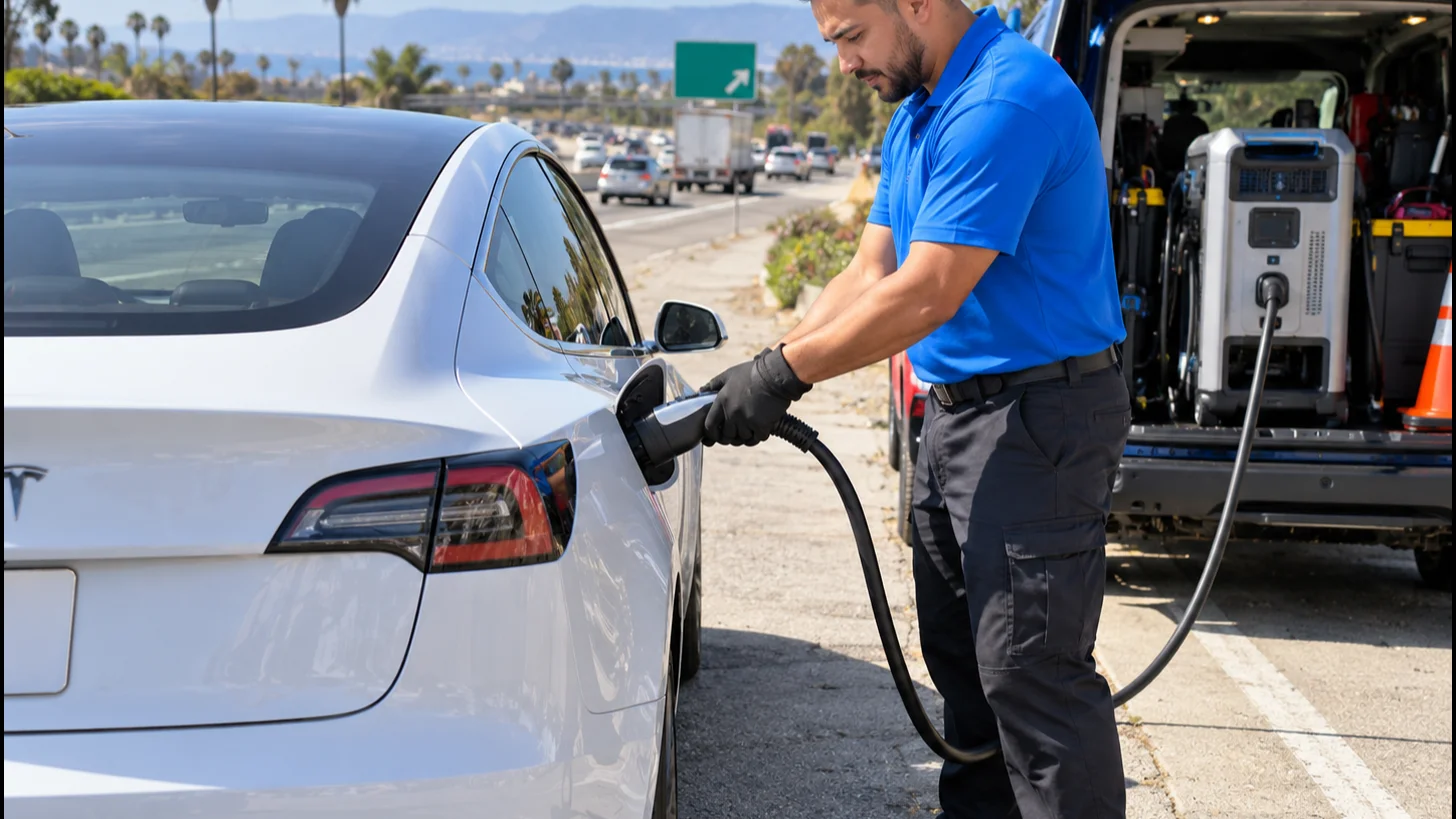
Mobile charging isn’t automatic. The operator must confirm the Tesla model, model year, charge port, approved adapter, equipment output, vehicle location, and expected charging goal. Charging time depends on the vehicle’s state of charge, battery capacity, onboard charging capacity, equipment output, and available electrical service. Connector shape alone doesn’t prove full compatibility.
A jump also requires exact vehicle information. Don’t ask an operator to treat every Tesla low-voltage system the same way. Confirm the correct manual, connection points, and power source for that model and year. Charge Pro SD doesn’t diagnose the vehicle or direct technical work.
Transport requires its own confirmation. Tell the operator whether the Tesla can unlock, power its display, shift, or enter the mode required by its current manual. Report low clearance, parking structures, gates, wheel damage, or collision damage before accepting the service. Don’t improvise towing steps from another Tesla model.
The operator should explain the proposed service before you agree. Ask what equipment will be used, what outcome is expected, what it costs, and what happens if the initial service doesn’t restore mobility. Clear expectations matter more than guessing from one warning symbol.
When to call us
Call when your Tesla is stranded in Chula Vista, National City, Imperial Beach, Bonita, Eastlake, or Otay Ranch and you need a mobile EV rescue referral. Share the exact vehicle, symptoms, location, and requested service so an independent operator can confirm whether the job fits.
Call us at (858) 400-4465 and we’ll connect you with a local EV rescue operator.