A Tesla that won’t start in Chula Vista may have low-voltage trouble, an empty main battery, or another fault. Before requesting help, record what the car shows and where it’s parked.
Read the exact Tesla warning first
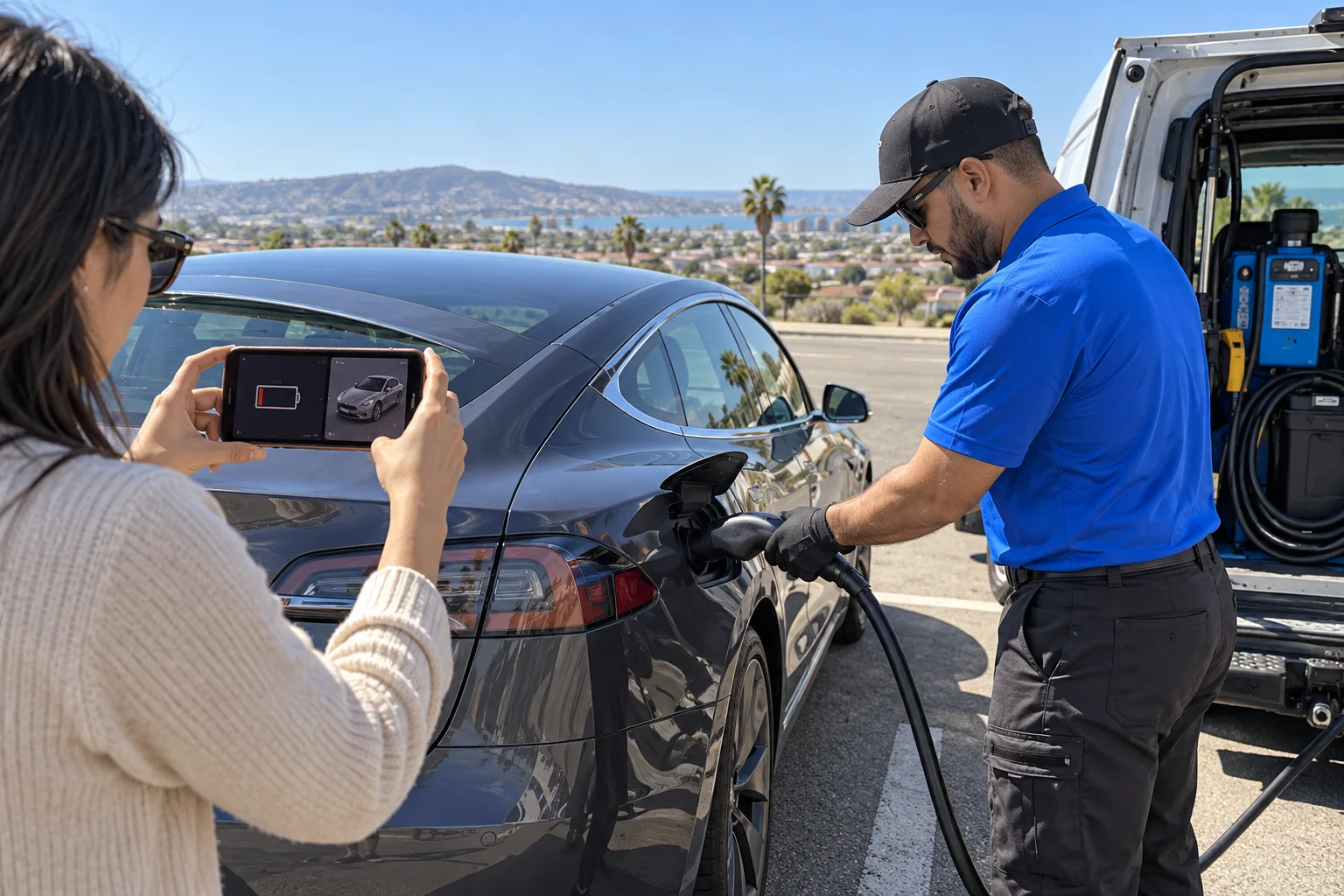
Start with the complete warning shown on the touchscreen or Tesla app. Take a clear photo if the message is still visible. Don’t reduce it to “battery dead” when speaking with an operator.
Write down what happened immediately before the problem. The car may have displayed a warning, stopped responding, failed to unlock normally, or remained parked after charging. Report only what you observed. Those symptoms don’t confirm which battery or component caused the problem.
A Tesla low-voltage diagnosis guide can help organize the symptoms. It can’t replace the instructions for your exact vehicle. Tesla designs and procedures differ across models and years.
Don’t remove panels, attach clamps, or search for a battery location based on a different Tesla. A video showing another model year may give you the wrong access point or procedure.
The current Model Y manual describes a low-voltage battery and designated jump posts. It also says a Model Y can’t jump-start another vehicle. That information applies to the vehicle covered by that manual, not every Tesla.
If the car is disabled in a traffic lane or another dangerous location, the California Highway Patrol says to call 911. Safety takes priority over reading menus or troubleshooting beside moving traffic.
Confirm the model and model year
Tell the operator the exact Tesla model and model year. “Tesla SUV” or “Model Y” alone isn’t enough. The current manual may not match an earlier vehicle with the same model name.
Use the Tesla app, registration, or vehicle information you already have available. Also note whether the doors open, the screen responds, and the app connects. Describe these as observations, not proof of a failed 12V battery.
The search phrase “Tesla 12V battery” is common, but Tesla’s current Model Y manual calls its component a low-voltage battery. The manual identifies it as lithium-ion. Don’t transfer that chemistry, location, or access method to another model or year.
The current Model Y instructions also distinguish the hood-release leads from the low-voltage jump points. Tesla says the wires behind the tow-eye cover release the hood latches only. They don’t charge the low-voltage battery and should be disconnected once the hood unlatches.
That detail shows why model confirmation matters. It isn’t a general jump procedure, and it shouldn’t be treated as one.
For model-specific information, open the owner’s manual linked to your car in the Tesla app. You can also review Tesla’s current Model Y jump-starting instructions when that is your exact vehicle. If anything differs, follow the manual tied to your VIN and ask Tesla for guidance.
Separate low-voltage trouble from empty charge
Low-voltage trouble and an empty main battery can lead to different roadside decisions. Don’t request a jump solely because the Tesla won’t move. Share the displayed charge level, exact warning, and recent charging history first.
Check whether the Tesla app reports a charge level. Note whether the car was plugged in and whether charging had started. If the car stopped responding, don’t invent a battery percentage. Tell the operator that the current level couldn’t be confirmed.
A low-voltage warning doesn’t establish that the battery needs replacement. A jump may restore access or allow another step, but it doesn’t prove the cause has been repaired. If the trouble returns, the vehicle may need Tesla service or transport rather than repeated roadside attempts.
An empty main battery is a separate case. Tesla directs owners to request roadside assistance through the Tesla app. Tesla says out-of-range help may be available, but it isn’t financially covered. Availability can also be limited for safety or regulatory reasons.
Our Tesla 12V battery jump referral page explains what information to prepare for an operator. For broader charging or transport decisions, review the Chula Vista EV roadside guide.
Before accepting service, confirm the proposed action, price, timing, and equipment directly with the independent operator. Charge Pro SD doesn’t set those terms.
Share I-805 or SR-125 access details
Location changes what an operator needs to evaluate. “Chula Vista” covers more ground than a single street or shopping area. Give a precise location without guessing where the car can be reached.
For a Tesla near I-805 or SR-125, share the route, travel direction, and the safest identifiable location. Say whether the car is in a traffic lane, on a shoulder, in a nearby lot, or off the roadway. Don’t walk beside traffic to find a marker.
Eastlake and Otay Ranch calls also need property details. Tell the operator if the Tesla is in a driveway, gated community, parking structure, retail lot, or assigned residential space. Report clearance limits, locked gates, narrow access, and parking rules you can see.
A map pin helps, but add written context. A pin may identify the property without explaining which entrance reaches the vehicle. Include the garage level, building section, or nearby storefront only when you can confirm it.
Also state whether the vehicle can be unlocked, placed in a movable state, or accessed from every side. Don’t promise that it can be moved. The operator must decide whether the location and symptoms fit the proposed service.
If roadside work isn’t suitable, transport may be the safer next step. A Tesla roadside rescue referral can begin with the same model, warning, access, and location details.
Know when a matched operator may fit
A matched mobile operator may fit when the Tesla is safely accessible and the operator confirms the requested low-voltage service. The operator still needs the exact model, model year, warning, symptoms, and location before accepting the job.
Ask what service is proposed. A low-voltage jump, main-battery charging support, and vehicle transport aren’t interchangeable. Confirm the operator’s equipment is appropriate for your exact Tesla and its location.
Ask for the price and timing before agreeing. Charge Pro SD doesn’t set prices, control operator schedules, or guarantee a result. You contract with and pay the independent operator directly.
Tesla support may be the better first contact when the app directs you there, the vehicle may have a covered fault, or model-specific instructions are unclear. Tesla tells owners to request roadside help through the Tesla app. Coverage and cost depend on the situation and the vehicle’s terms.
Transport may be needed when the vehicle remains unresponsive, sits in an unsafe position, can’t be accessed properly, or doesn’t accept the proposed roadside step. The operator must assess whether roadside work is suitable.
Charge Pro SD is a referral service serving San Diego County. We connect drivers with licensed, independent local operators. We don’t jump batteries, replace components, charge vehicles, tow Teslas, or diagnose faults ourselves.
When to call us
Call when your Tesla is safely accessible in Chula Vista and you need help finding an independent mobile EV rescue operator. Have the warning, model year, symptoms, charge status, and exact I-805, SR-125, Eastlake, or Otay Ranch location ready.
Call us at (858) 400-4465 and we’ll connect you with a local EV rescue operator.