A Chula Vista charging plan can fail before the next plug. The real decision is whether your Tesla can reach a currently usable site near I-805, SR-125, Eastlake, or Otay Ranch. Verify the stop first, then keep a roadside backup ready.
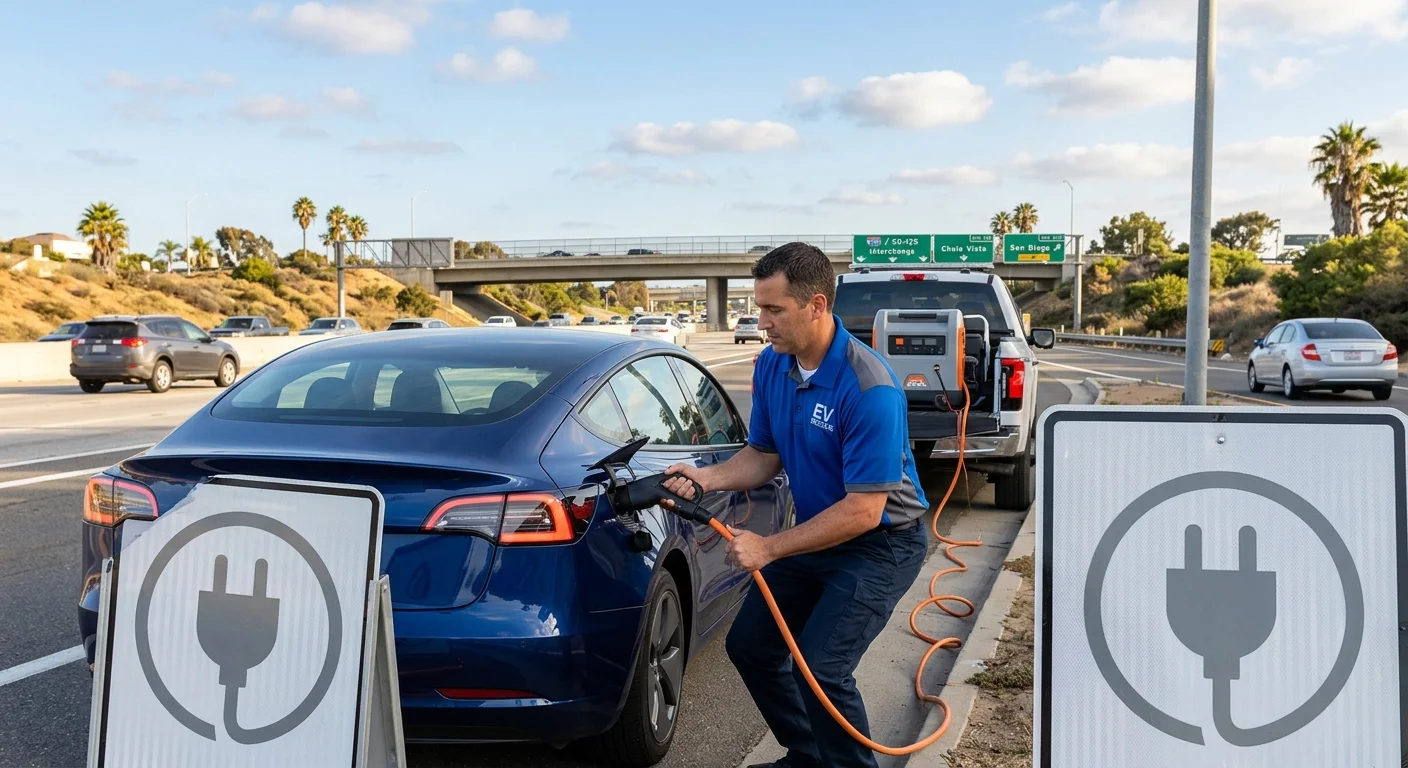
Verify current charging details before leaving
If you’re searching for a Tesla Supercharger in Chula Vista, check Tesla’s current official tools before driving there. Don’t rely on an old screenshot, saved address, search result, or social post.
Station locations, access conditions, pricing, and operating status can change. Charge Pro SD doesn’t set those details or confirm them for Tesla. The Tesla information shown for your trip should guide your first decision.
Review every detail available before choosing the stop:
- Confirm the location shown in Tesla’s current tool.
- Check whether the site is presented as compatible with your Tesla.
- Review any access notes displayed for that location.
- Look for current status information or charging restrictions.
- Compare the route with the battery information shown by your car.
- Choose a second verified option before leaving.
A station name alone doesn’t tell you whether your car can reach it. It also doesn’t confirm that you can enter the property or begin charging. Read the full listing presented to you.
Keep general charging education separate from live station information. The U.S. Department of Energy’s EV resources provide background about electric vehicles. Tesla’s current official tools should be checked for the specific stop you’re considering.
If you can’t confirm a usable destination, don’t turn an uncertain listing into your only plan. Review mobile EV charging in Chula Vista before the remaining charge leaves you with fewer choices.
Plan around I-805 and SR-125
Chula Vista isn’t one small search area. Your position near I-805, SR-125, Eastlake, or Otay Ranch changes which route you’re evaluating. Start with your actual location, not the center of a search map.
Write down your direction of travel and nearest mapped exit. Include a cross street or dropped pin when possible. A roadside operator needs more than “Chula Vista” to understand where you’re stopped.
Don’t commit to I-805 or SR-125 because a charging result appears close. First, compare the full driving route with the remaining energy displayed by your Tesla. Include the entrance shown by navigation, not only the map pin.
Use a simple three-part plan:
- Pick the charging site currently shown as your preferred option.
- Identify another currently verified site on a route you can evaluate.
- Decide when you’ll stop driving and request roadside help.
That third step matters. Set it before the preferred site becomes unavailable or your route changes. Don’t keep searching across Eastlake or Otay Ranch without a confirmed destination.
When there’s an immediate traffic danger, call 911. In metropolitan areas, other roadside requests can go through 511 by saying Roadside Assistance.
Drivers already stopped near a freeway should share their direction and nearest exit. Drivers in a parking area should share the visible property name and a dropped pin. Those details help distinguish an I-805 problem from an SR-125 route decision without guessing an address.
What to do when a listed site isn’t usable
A charging location can appear in a search yet fail your real-world check. You might find an access restriction, a damaged connector, an error message, or a session that won’t begin. Describe only what you can see.
Start by keeping the Tesla parked. Read the message on the car, charger, or current official tool. Save the exact wording instead of translating it into your own diagnosis.
Next, verify that you reached the intended location. Compare the current listing with the property, entrance, and equipment in front of you. Don’t assume a nearby charger is the one selected by navigation.
If another charging position is available, follow the official instructions displayed for that equipment. Don’t handle damaged equipment or force a connector. Use Tesla’s current support channel when its official tool directs you there.
Our guide for what to do when a Tesla Supercharger is down explains how to organize the next decision. The key is separating a station problem from a vehicle problem without guessing.
Record what happened:
- The Tesla’s remaining charge.
- The exact warning or charging message.
- Whether the screen and vehicle controls respond.
- Whether the charge port opens and responds.
- What happened when you attempted to begin charging.
- Any access issue visible at the property.
Stop attempting new destinations when you can’t confirm they’re reachable. A roadside operator can review the situation you describe and discuss possible next steps. Charge Pro SD connects drivers with independent local operators. It doesn’t operate the charger or perform the roadside work.
Decide whether another charger is reachable
Another charging result isn’t automatically a safe backup. Compare the route distance shown by navigation with the remaining energy information displayed by your Tesla. Then consider every turn, entrance, and possible detour on that route.
Don’t treat a close margin as certainty. If the car’s displayed range is too close to the required route for you to absorb a wrong entrance or changed destination, stop and request help. Reaching zero while searching creates a harder roadside problem.
Use the information currently available to answer four questions:
- Is the exact destination confirmed in Tesla’s official tool?
- Can you identify the intended property entrance?
- Does your Tesla show enough energy for the full driving route?
- Do you still have a backup if that location isn’t usable?
If one answer remains unclear, roadside help may be the better next step. A local operator can discuss whether delivering mobile energy fits the situation. Start with our mobile EV charging service when the car is safely accessible and needs energy.
Some situations may require transport instead of charging at the roadside. An operator should make that determination after reviewing the vehicle, location, access, and warning details. Our out-of-charge recovery service explains that referral option.
Don’t guess how much energy an operator can provide or how long the work will take. Those details depend on the operator, vehicle, equipment, and roadside conditions. Confirm the proposed service, price, and destination directly with the independent operator before agreeing to the work.
Share the details a roadside operator needs
Clear information helps a roadside operator understand the situation before discussing options. Begin with where the Tesla is actually stopped. A dropped pin is better than an address copied from an unconfirmed charging listing.
Share your direction of travel if you’re near I-805 or SR-125. If you’re in Eastlake or Otay Ranch, include the visible property or parking-area name. Mention any gate, height restriction, narrow entrance, or other access issue you can see.
Next, describe the Tesla without diagnosing it:
- Tesla model, if known.
- Remaining battery percentage shown by the car.
- Exact warning text displayed.
- Whether the vehicle powers on and shifts.
- Whether the charge port opens.
- Whether a connector is attached.
- What happened during the latest charging attempt.
- Your intended charging destination.
- Whether all occupants are in a safe location.
Send a photo or screenshot if the operator requests one. Include the full warning message and avoid cropping away useful context. Don’t touch exposed or visibly damaged charging equipment to create a better photo.
Tell the operator whether you’re seeking enough energy to reach a verified charger or need another recovery option. Don’t promise that the next station is usable. Share the current listing and let the operator review what you’ve confirmed.
Charge Pro SD is a referral service. We connect drivers with independent local EV charging professionals. The customer contracts with and pays the operator directly. Confirm pricing, scope, access needs, and the operator’s terms before authorizing service.
When to call us
Call when your Tesla can’t reach a charger you’ve verified as usable, or when a Chula Vista site won’t begin a charging session and further driving isn’t a sound choice. Call (858) 400-4465. Charge Pro does not send a Charge Pro crew. Tesla roadside is requested in the Tesla app. Tesla says out-of-range assistance may be available but is not financially covered, and roadside availability can be restricted case by case for safety or regulatory reasons. Confirm current coverage on Tesla’s support pages. This page will not inventory Superchargers.